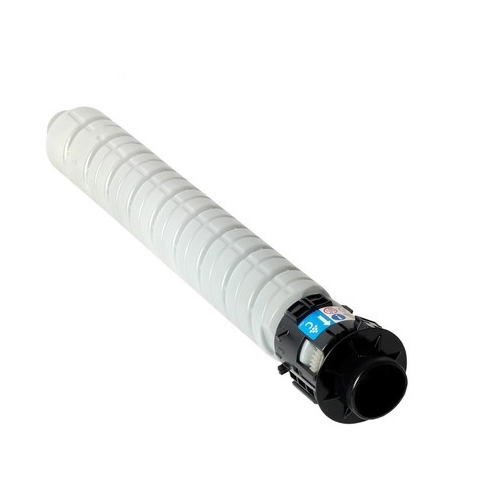
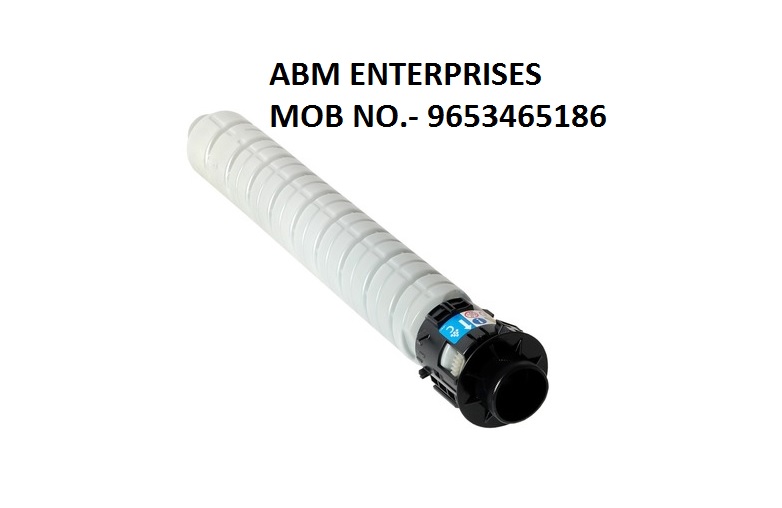
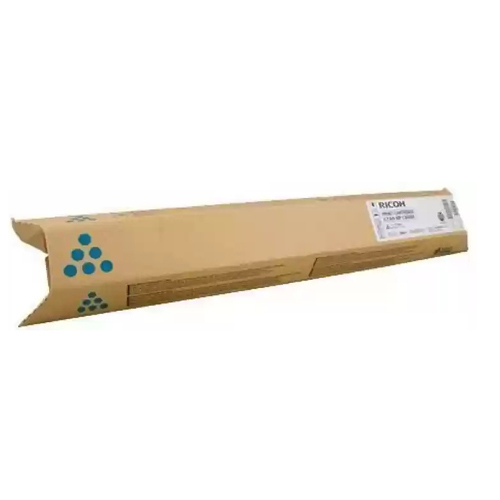
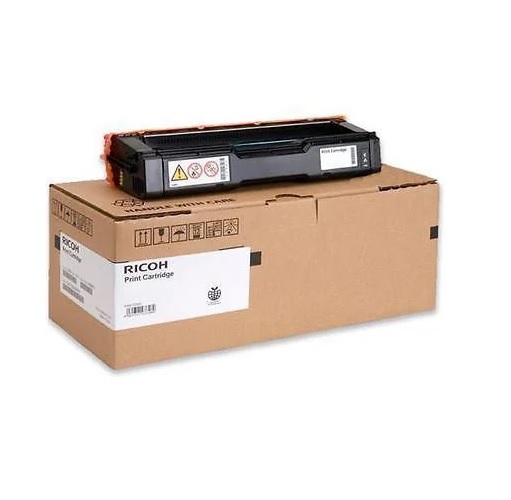
About Ricoh MPC2003 / MPC2503 Cyan Toner Cartridge
Brand: Ricoh
Model no.: MPC2003 / MPC2503
Generic Name: Toner Cartridge
Product: New
Color - Cyan
PRODUCT TYPE : TONER CARTRIDGE
Compatibility -
Ricoh AFICIO MPC2003SP
Ricoh AFICIO MPC2503SP
Lanier MPC2003SP
Lanier MPC2503SP
Optimal Performance for OfficesEngineered to work seamlessly with Ricoh MPC2003SP and MPC2503SP models, this cyan toner cartridge delivers precise color reproduction and smooth operation. Designed for both laser printers and copiers, it ensures professional-quality documents and images, perfect for offices with high-volume printing requirements.
Easy Installation and ReplacementThe Ricoh MPC2003 / MPC2503 Cyan Toner Cartridge features a user-friendly design for quick and hassle-free installation. This minimizes downtime, allowing businesses to maintain productivity and manage their printing needs with minimal technical intervention. Simple instructions accompany each cartridge for convenience.
Consistent and Cost-effective OutputCapable of producing vivid cyan prints from start to finish, this toner cartridge helps businesses maintain color accuracy and clarity across extensive print runs. Its compatibility with multiple Ricoh models also streamlines inventory management for suppliers and traders, offering flexibility and economic value.
FAQ's of Ricoh MPC2003 / MPC2503 Cyan Toner Cartridge:
Q: How do I install the Ricoh MPC2003 / MPC2503 Cyan Toner Cartridge in my printer or copier?
A: To install, first open your device's front cover and remove the empty cyan cartridge, if present. Unpack the new cartridge, gently shake it side to side, and insert it into the appropriate slot until it clicks into place. Close the cover and follow any prompts on your device's display.
Q: What printers and copiers are compatible with this cyan toner cartridge?
A: This cyan toner cartridge is compatible with Ricoh MPC2003SP and MPC2503SP models, functioning seamlessly in both laser printers and copiers. Be sure to check your device's model number for compatibility before purchasing.
Q: When should I replace the Ricoh MPC2003 / MPC2503 Cyan Toner Cartridge?
A: Replace the cartridge when your device notifies you of low toner, when you notice faded or inconsistent prints, or when blank cyan areas appear. Prompt replacement ensures continued print quality and prevents workflow disruptions.
Q: Where can I purchase genuine or compatible Ricoh MPC2003 / MPC2503 Cyan Toner Cartridges in India?
A: These cartridges are widely available through authorized Ricoh suppliers, printer consumable traders, and reputable online marketplaces across India. Always buy from verified sellers to ensure product authenticity and warranty coverage.
Q: What are the advantages of using this cyan toner cartridge in my office?
A: Using this cartridge ensures consistent, vibrant cyan prints, reliable device performance, and minimal maintenance requirements. Its design optimizes yield and reduces printing costs, making it suitable for businesses with substantial printing needs.
Q: How does the toner replacement process affect my device's operation?
A: Replacing the toner cartridge is straightforward and can be done in minutes, with minimal disruption to ongoing tasks. The process helps maintain your printer or copier's output quality and prolongs its operational lifespan.
Q: What should I do with the used Ricoh MPC2003 / MPC2503 Cyan Toner Cartridge?
A: Used cartridges should be disposed of according to local e-waste recycling regulations, or returned to designated recycling centers or your supplier, if a recycling program is available. Responsibly recycling cartridges helps reduce environmental impact.
 Send Inquiry




 Send Inquiry