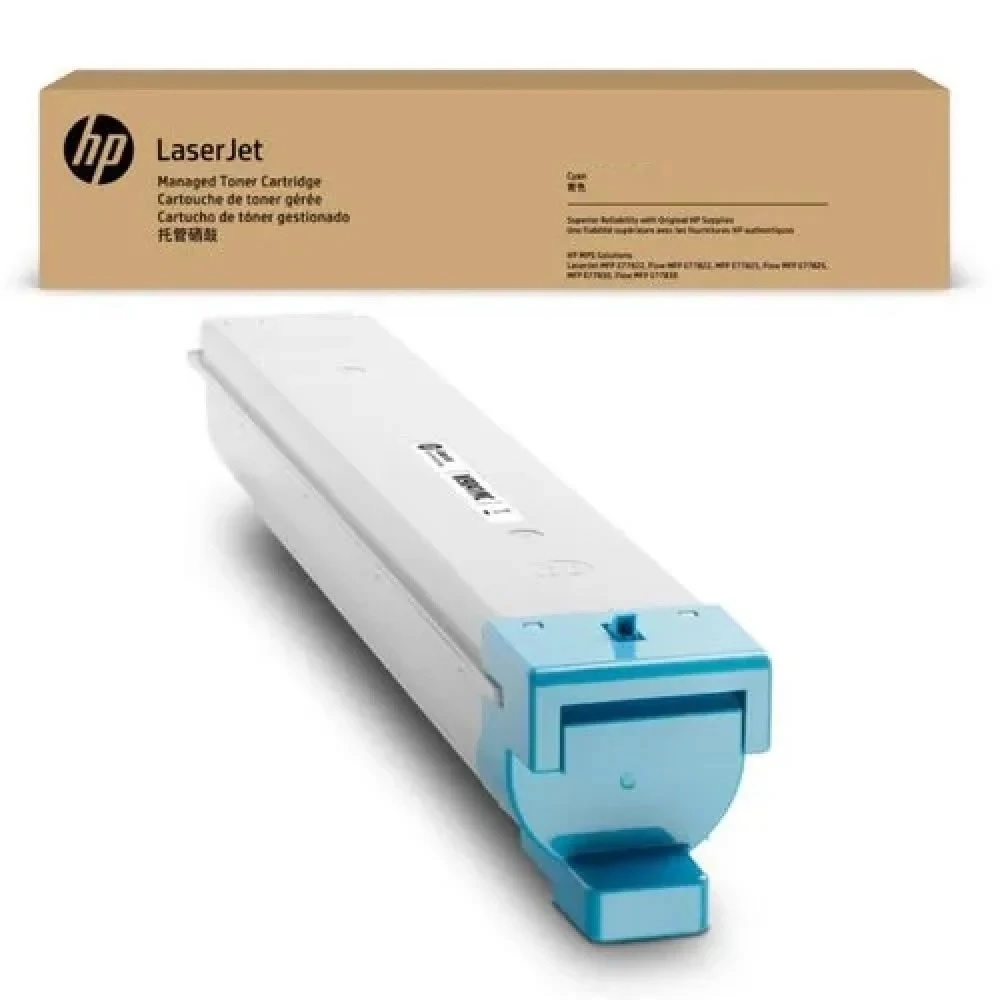
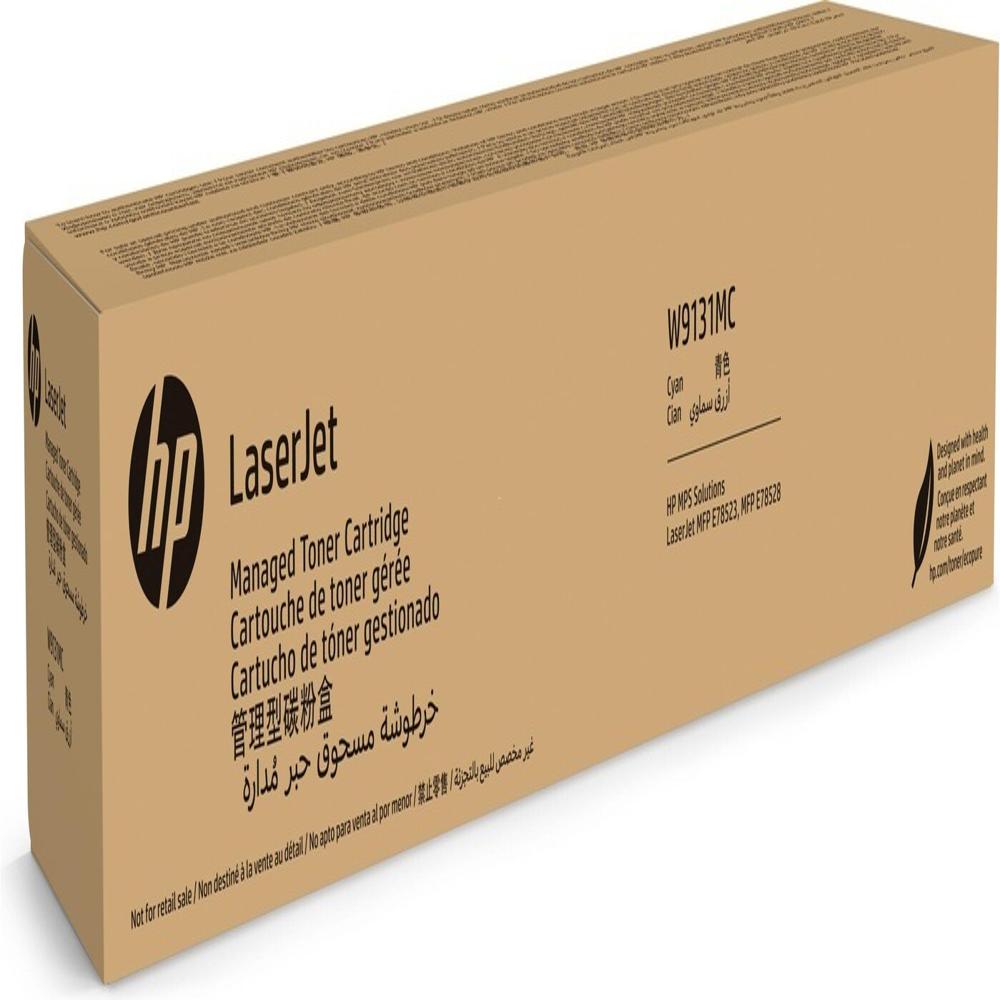
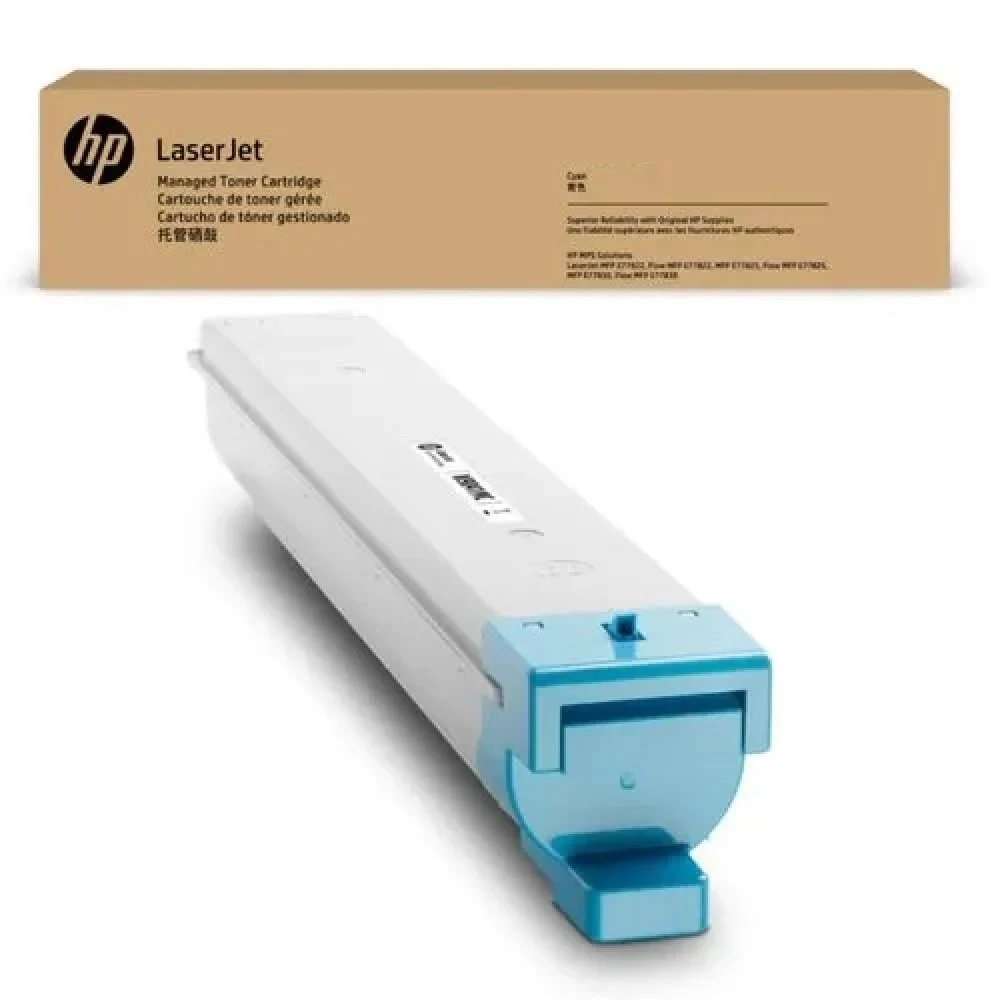
About HP W9131MC LaserJet Cyan Managed Toner Cartridge
Brand: HP
Product: New
Generic Name: Toner Cartridge
Model no.: W9131MC
Color : Cyan
Usage : Laser Printer
Technology : Laser
PRODUCT TYPE : TONER CARTRIDGE
PRINTER TYPE : LASER AND COPIER PRINTER
Compatible With -MFP E78523,MPF 78528
High-Yield Performance for Busy WorkplacesThe HP W9131MC cyan toner cartridge is tailored for organizations requiring consistent, high-volume printing with excellent color quality. Its advanced technology supports seamless operation in laser and copier printer setups, making it a preferred choice for managed office environments.
Seamless Compatibility and InstallationEngineered for flawless integration, the HP W9131MC cartridge is fully compatible with MFP E78523 and MPF 78528 devices. Installation is straightforward, minimizing downtime and allowing users to resume printing tasks quickly and efficiently.
FAQ's of HP W9131MC LaserJet Cyan Managed Toner Cartridge:
Q: How do I install the HP W9131MC LaserJet Cyan Toner Cartridge in my printer?
A: To install the HP W9131MC cartridge, power off your compatible printer (MFP E78523 or MPF 78528), open the toner access panel, remove the old cartridge, and insert the new one securely. Follow the printer's on-screen or manual instructions for proper placement and initialization.
Q: What types of printers are supported by the W9131MC Cyan Toner Cartridge?
A: The HP W9131MC cartridge is specifically designed for use in LaserJet models MFP E78523 and MPF 78528, compatible with both laser and copier printers that use laser print technology.
Q: When can I expect delivery after placing an order for the HP W9131MC toner?
A: The typical lead time for delivery of the HP W9131MC LaserJet Cyan Managed Toner Cartridge is five days, ensuring timely replenishment for your office or business needs.
Q: Where can I purchase the HP W9131MC toner cartridge in India?
A: You can acquire the HP W9131MC toner cartridge from authorized suppliers and traders located throughout India who specialize in genuine HP printer consumables.
Q: What is the process for replacing the toner cartridge to minimize interruptions?
A: To minimize interruptions, keep a spare cartridge on hand. When toner is low, finish your current print job, power down the printer, replace the cartridge promptly, and restart the device. This process ensures continuous productivity.
Q: How should I use the HP W9131MC cartridge for optimal performance?
A: Use the cartridge in the recommended HP printer models, keep it stored in a cool, dry location before installation, and handle it carefully to avoid damaging sensitive components for best print results.
Q: What are the benefits of using the HP W9131MC Cyan Managed Toner Cartridge?
A: The HP W9131MC offers vibrant cyan prints, consistent high-quality performance, and is engineered for efficient, high-volume managed printing environments, making it a valuable addition to professional offices.
 Send Inquiry




 Send Inquiry