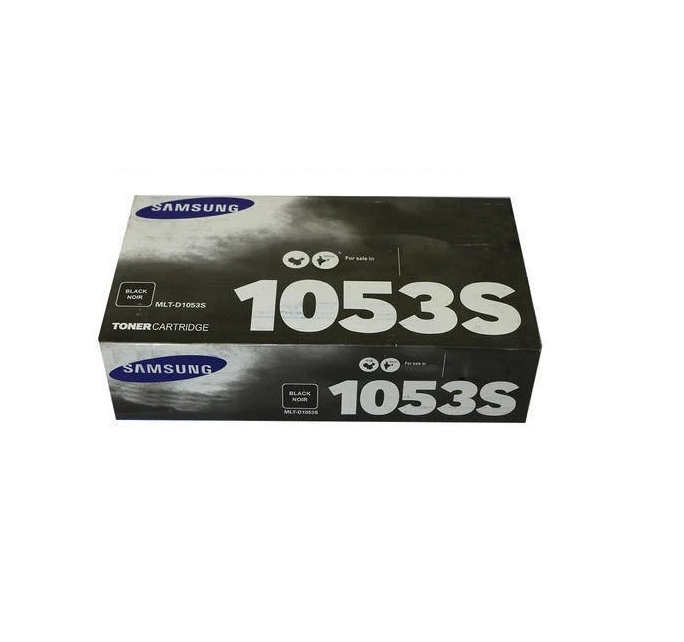
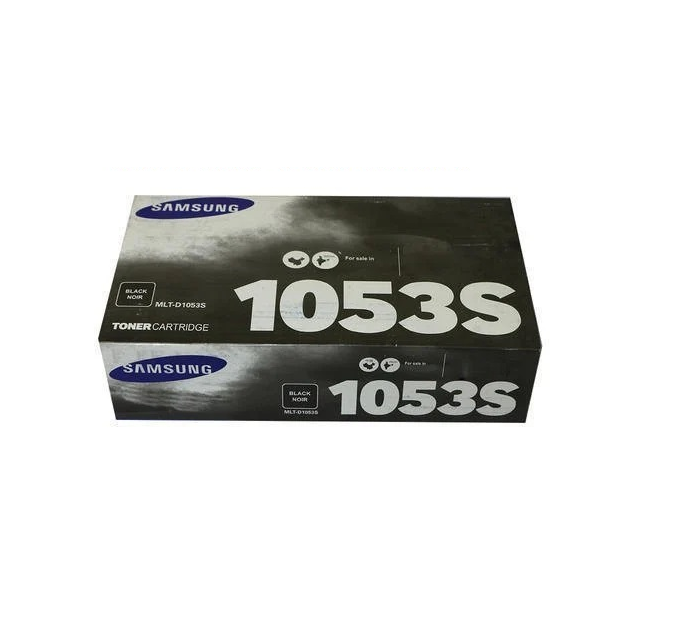
About Samsung MLT-D1053S Black Toner Cartridge
Brand: Samsung
Model no.: D1053S
Generic Name: Toner Cartridge
Part no.: MLT-D1053S/XIP
Product: New
Colour: Black
PRODUCT TYPE : TONER CARTRIDGE
-
Compatibility
ML-1911, ML-2526, ML-2581N, SCX-4601, SCX-4623FH, SCX-4623FN, SF-651, SF-651P
Dependable Performance for Samsung PrintersThe MLT-D1053S Black Toner Cartridge is specifically designed to work effortlessly with compatible Samsung printer models. Its advanced toner formulation delivers superior printing results-from detailed documents to professional graphics. Experience optimal efficiency and crisp output whether working from home or in a bustling office setting.
Easy Installation and MaintenanceThis toner cartridge boasts a straightforward installation process, ensuring minimal downtime and hassle for users. The clear design and compatibility make replacing your old cartridge a breeze, allowing you to maintain productivity and high print quality without expert assistance.
FAQ's of Samsung MLT-D1053S Black Toner Cartridge:
Q: How do I install the Samsung MLT-D1053S Black Toner Cartridge?
A: To install the MLT-D1053S cartridge, carefully open your printer's front cover, remove the old cartridge, and gently unpack the new one. Align and slide it into the designated slot until it clicks securely. Close the cover, and your printer is ready for use.
Q: What printers are compatible with the MLT-D1053S toner cartridge?
A: This cartridge is compatible with Samsung models ML-1911, ML-2526, ML-2581N, SCX-4601, SCX-4623FH, SCX-4623FN, SF-651, and SF-651P, ensuring a wide range of use for both personal and professional printing environments.
Q: Where can I purchase the authentic MLT-D1053S Black Toner Cartridge in India?
A: You can acquire genuine MLT-D1053S Black Toner Cartridges from authorized Samsung suppliers and reputable traders across India to ensure you receive a legitimate, high-quality product.
Q: What is the process for replacing the empty toner cartridge?
A: First, turn off your printer and allow it to cool. Open the toner compartment, remove the spent cartridge by pulling it out gently, insert the new cartridge, and close the compartment. Turn the printer back on and run a test print if needed.
Q: When should I replace my Samsung MLT-D1053S toner cartridge?
A: Replace your cartridge when print quality degrades or when the printer notifies you of low toner. Frequent faded prints and streaks indicate it's time for a replacement.
Q: What are the primary benefits of using the MLT-D1053S Black Toner Cartridge?
A: Using the MLT-D1053S ensures sharp, high-quality black prints, reliable performance, long cartridge life, and full compatibility with your Samsung printer, ultimately supporting uninterrupted workflow and document clarity.
 Send Inquiry




 Send Inquiry