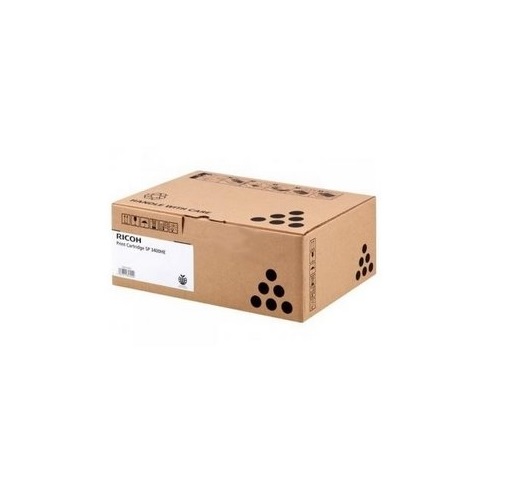
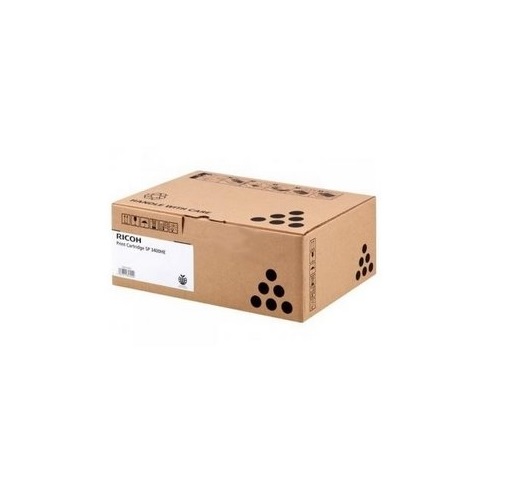
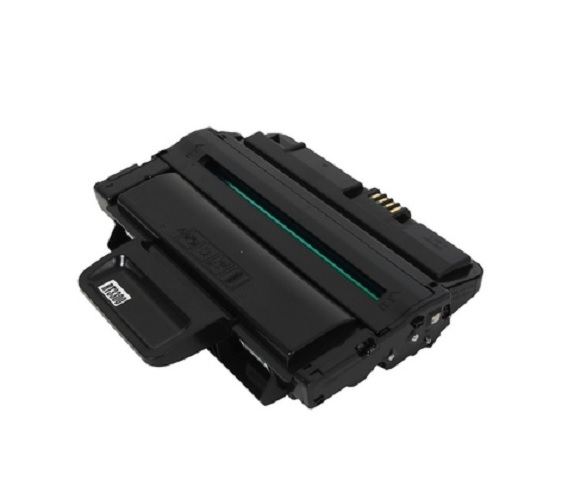
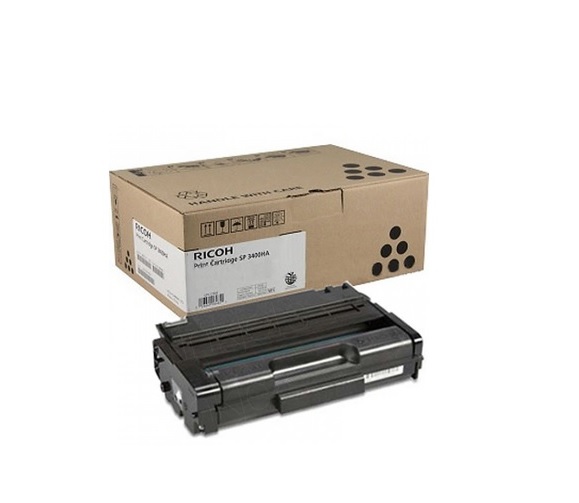
About Ricoh SP310 BLACK Toner Cartridge
Brand: Ricoh
Model no.: SP 310
Generic Name: Toner Cartridge
Product: New
Colour: Black
PRODUCT TYPE : TONER CARTRIDGE
Compatible - Ricoh Printer SP 310
Compatible With SP 310311,312,325,320
Wide Device CompatibilityThe Ricoh SP310 BLACK Toner Cartridge is specifically engineered for compatibility with various Ricoh printer models, such as SP 310, 311, 312, 325, and 320. This broad range ensures users can enjoy consistent performance across multiple devices, making it an excellent solution for both small offices and large workgroups with diverse printing needs.
Effortless Installation and ReplacementReplacing your Ricoh SP310 toner cartridge is straightforward and efficient. The cartridge is designed for hassle-free installation, reducing printer downtime. This user-friendly process allows you to quickly resume your printing tasks, ensuring productivity is maintained without any complex steps or special tools.
Reliable Performance and ValueChoose the Ricoh SP310 BLACK Toner Cartridge for consistent, high-quality printouts and dependable page yields. It helps lower overall printing costs, making it an economical option for businesses and individual users. The superior print quality ensures every document looks professional, supporting your daily operational needs.
FAQ's of Ricoh SP310 BLACK Toner Cartridge:
Q: How do I install the Ricoh SP310 BLACK Toner Cartridge in my printer?
A: To install the Ricoh SP310 BLACK Toner Cartridge, open your printer's front cover, remove the empty cartridge, and insert the new one into the designated slot. Secure it firmly, close the cover, and the printer will automatically recognize the new cartridge. Always refer to your specific printer's manual for detailed steps.
Q: What printers are compatible with the Ricoh SP310 BLACK Toner Cartridge?
A: The Ricoh SP310 BLACK Toner Cartridge is compatible with Ricoh printer models SP 310, 311, 312, 325, and 320. It is specifically tailored for these models to ensure optimal performance and print quality.
Q: When should I replace my Ricoh SP310 BLACK Toner Cartridge?
A: Replace the cartridge when you notice print quality declining, such as faded text or incomplete documents, or when your printer displays a low toner warning. Timely replacement maintains print quality and prevents potential damage to your device.
Q: Where can I buy the Ricoh SP310 BLACK Toner Cartridge in India?
A: Ricoh SP310 BLACK Toner Cartridges are available through authorized suppliers, traders, and online marketplaces across India. Choose reputable dealers to ensure you're receiving genuine and compatible products for reliable performance.
Q: What is the benefit of using the Ricoh SP310 BLACK Toner Cartridge for my business?
A: Using the Ricoh SP310 BLACK Toner Cartridge ensures consistent, sharp black printouts, reducing downtime due to its high reliability. It delivers cost-effective printing, helping your business maintain a professional image while managing operational expenses efficiently.
Q: What is the process for troubleshooting printing issues related to the toner cartridge?
A: If you encounter print issues, first check if the cartridge is properly installed. Re-seat the cartridge and run a printer cleaning cycle. If problems persist, inspect for low toner levels or damage. Refer to your printer manual for troubleshooting or consult customer support if needed.
 Send Inquiry




 Send Inquiry