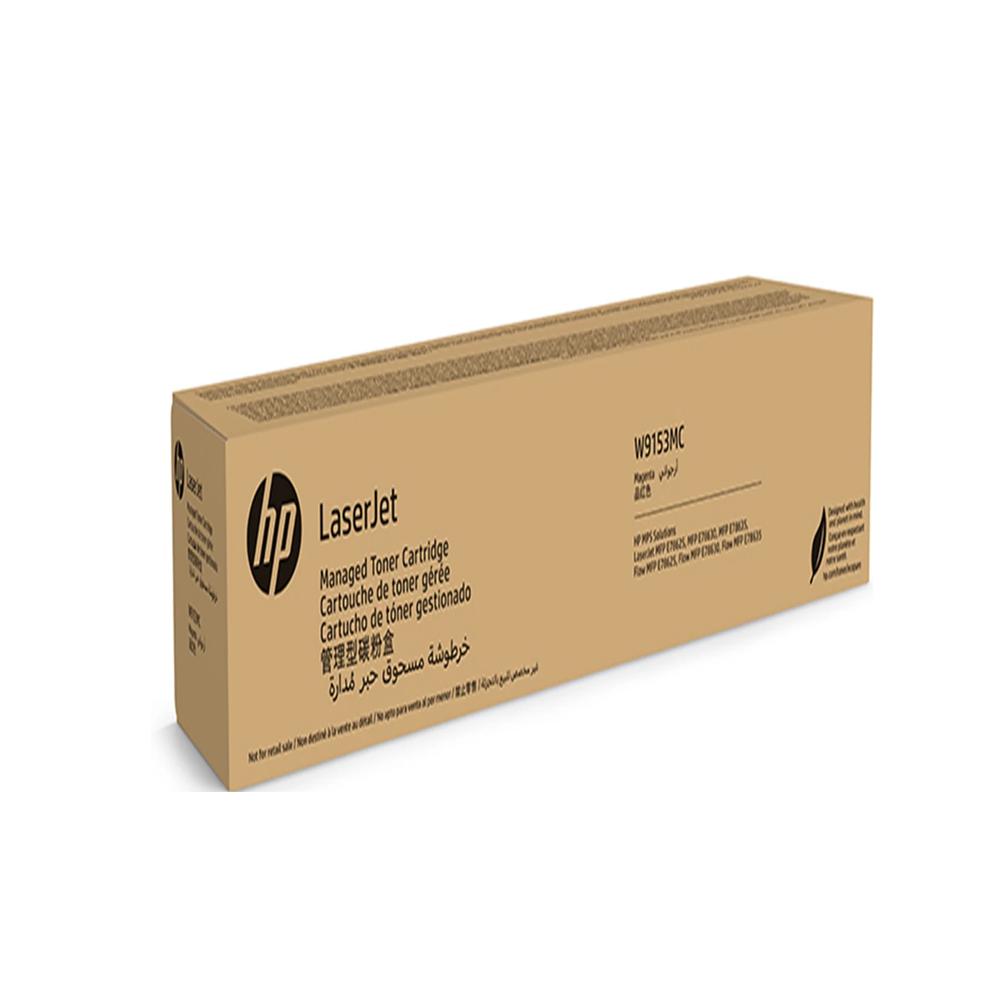
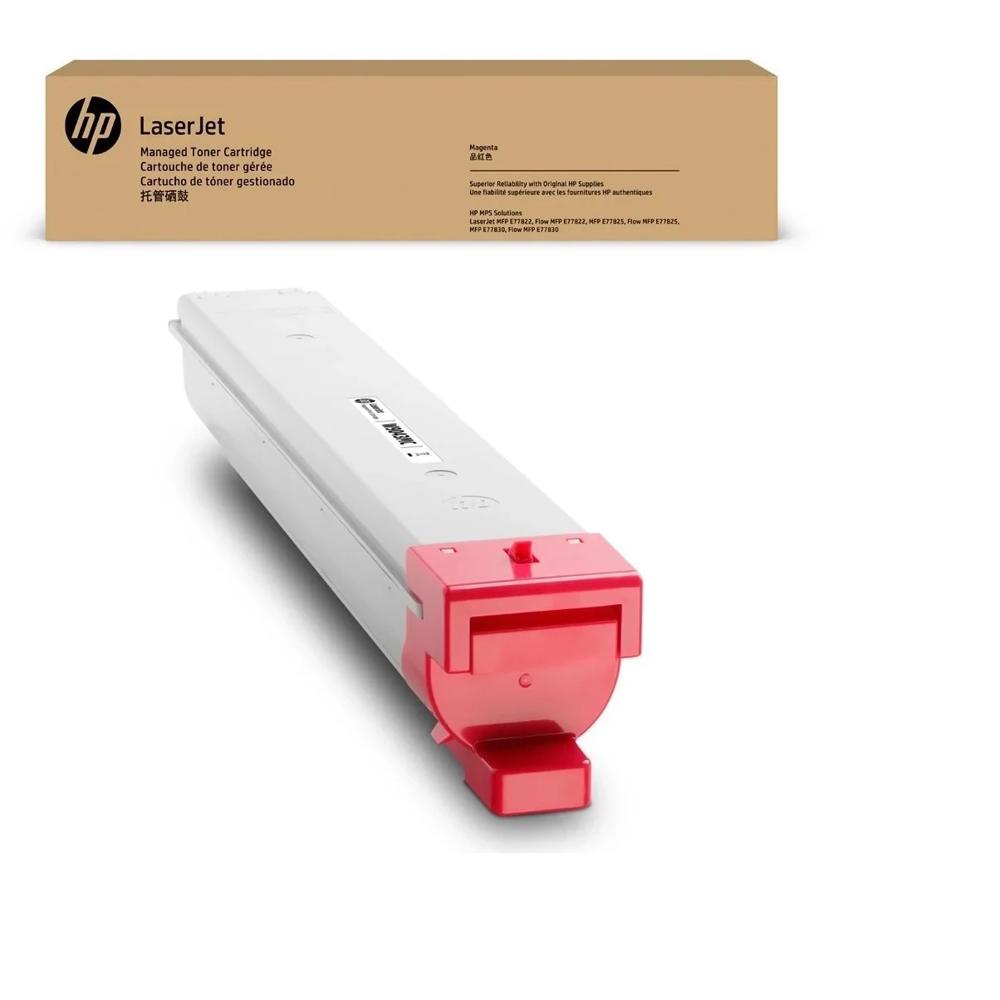
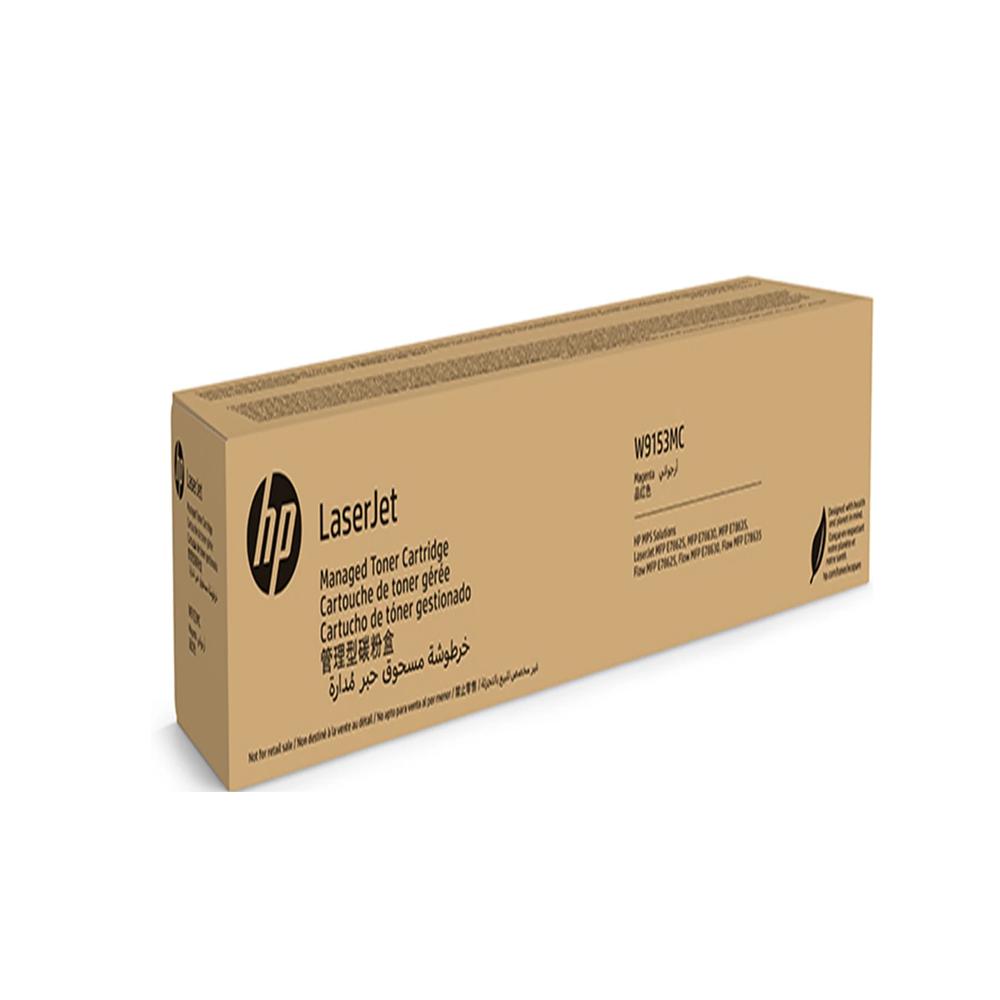
About HP W9153MC LaserJet Magenta Managed Toner Cartridge
Brand: HP
Product: New
Generic Name: Toner Cartridge
Model no.: W9153MC
Color :Magenta
Usage : Laser Printer
Technology : Laser
PRODUCT TYPE : TONER CARTRIDGE
PRINTER TYPE : LASER AND COPIER
Compatible With -MPF E77822, Flow MPF E77822, MFP E77825 Flow E77825,Mfp E77830,Flow MFP 77830
Vivid Color PerformanceExperience crisp, vivid magenta tones in every print with the HP W9153MC LaserJet Managed Toner Cartridge. Designed for precision and reliability, it is ideal for businesses that value both quality and cost-effective operation. This cartridge enhances your printed documents, ensuring they stand out with professional appeal.
Seamless CompatibilityThis toner cartridge is perfectly compatible with HP's MFP E77822, Flow MFP E77822, MFP E77825, Flow E77825, MFP E77830, and Flow MFP 77830 printers. Its engineered design guarantees proper fit and function, eliminating errors and downtime during replacement. Maximize productivity with a cartridge that works every time.
Sustainable Managed SolutionsThe HP W9153MC is a managed toner cartridge, designed to lower overall printing costs and reduce environmental impact. Managed print solutions like this one support efficient toner usage and simplified supply management, making it a smart choice for offices focused on sustainability and budget control.
FAQ's of HP W9153MC LaserJet Magenta Managed Toner Cartridge:
Q: How do I correctly install the HP W9153MC Magenta Toner Cartridge in my printer?
A: To install the HP W9153MC cartridge, turn off your printer and open the toner access panel. Remove the old cartridge by gently pulling it out, then unpack the new cartridge and insert it into the designated magenta slot. Secure it properly, close the panel, and restart the printer to complete installation.
Q: What printer models are compatible with the HP W9153MC Magenta Managed Toner Cartridge?
A: This cartridge is compatible with HP MFP E77822, Flow MFP E77822, MFP E77825, Flow E77825, MFP E77830, and Flow MFP 77830 series printers. Always check your printer's model to confirm compatibility for reliable operation.
Q: When should I replace the HP W9153MC toner cartridge?
A: Replace the cartridge when your printer notifies you that toner is low or print quality declines. Regularly checking the toner levels through your printer's control panel helps ensure consistent results and prevents print interruptions.
Q: Where can I purchase the HP W9153MC toner cartridge in India?
A: You can buy this cartridge from authorized HP suppliers and traders across India. Check with recognized office supply distributors or your HP regional partner for original cartridges to ensure warranty and quality.
Q: What are the benefits of using a managed toner cartridge like the HP W9153MC?
A: Managed toner cartridges are designed for high-yield, offering greater efficiency and reduced printing costs. They also support sustainability efforts by minimizing waste and streamlining supply management for large-scale printing environments.
Q: How does the HP W9153MC cartridge support laser and copier printers?
A: Utilizing advanced laser printing technology, this cartridge delivers reliable, high-resolution results in both printing and copying applications, making it ideal for multifunctional office printers needing frequent, vibrant output.
 Send Inquiry





 Send Inquiry