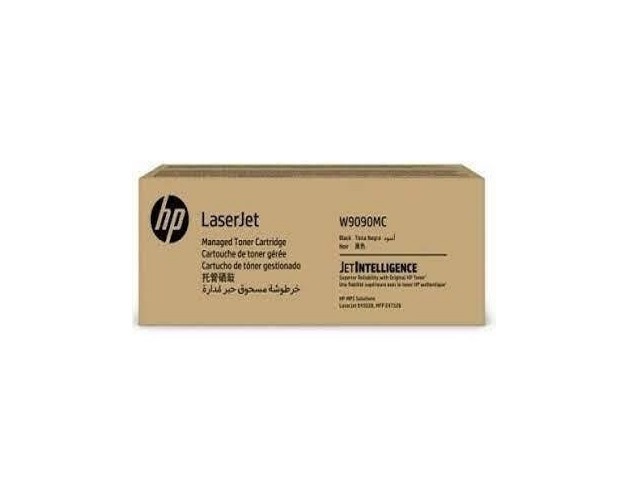
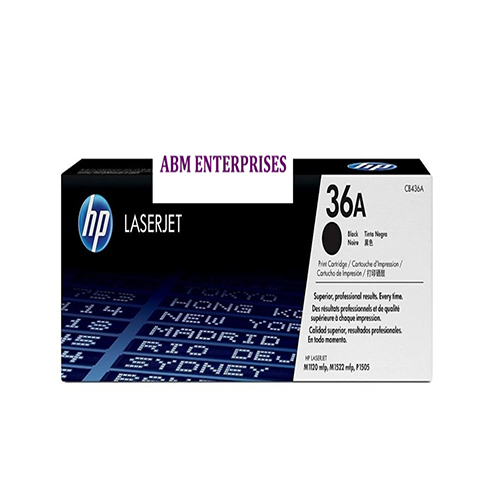
About HP W9090MC Black Original Toner Cartridge
Brand: HP
Model no.: W9090MC
Generic Name: Toner Cartridge
Product: New
Colour: Black
Product Type: Print Cartridge
Color: Black
Compatible With:
HP - LaserJet Managed MFP E45028, E47528,
Precision Printing for Modern OfficesThe HP W9090MC toner cartridge is meticulously designed to maximize productivity and print clarity in busy work environments. Its compatibility with advanced HP MFP models guarantees reliable operation, while high-yield technology minimizes the need for frequent replacements, keeping office tasks running smoothly.
Quality Assured Supply Across IndiaSourced from reputable suppliers and traders throughout India, the HP W9090MC cartridge comes with guaranteed authenticity and quality. Its efficient distribution network ensures a lead time of four days, supporting businesses with fast and dependable access to original HP consumables.
FAQ's of HP W9090MC Black Original Toner Cartridge:
Q: How do I install the HP W9090MC Black Toner Cartridge in my photocopier?
A: To install the HP W9090MC Black Toner Cartridge, open the cartridge compartment of your compatible photocopier (MFP E45028 or E47528), remove the old cartridge, and insert the new one, ensuring it clicks securely into place. Follow any on-screen prompts your device provides.
Q: What printer models are compatible with the HP W9090MC cartridge?
A: The HP W9090MC Black Toner Cartridge is specifically compatible with PHOTOCOPIER printers, including the HP MFP E45028 and E47528 models.
Q: When can I expect delivery after placing an order for the HP W9090MC cartridge?
A: The standard lead time for delivery is approximately four days after the order is placed with an authorized supplier or trader in India.
Q: Where can I find authorized suppliers or traders for the HP W9090MC cartridge in India?
A: You can obtain the HP W9090MC cartridge from recognized suppliers and traders throughout India. It is best to verify the authenticity of the source to ensure you receive a genuine original product.
Q: What is the process for replacing the toner cartridge in my HP photocopier?
A: Begin by powering off your photocopier, opening the cartridge access panel, removing the used toner, and carefully installing the HP W9090MC cartridge as per the instructions. Close the panel and power on the device to resume normal operation.
Q: How is the HP W9090MC toner cartridge beneficial for high-volume printing environments?
A: The HP W9090MC cartridge is engineered for professional, high-volume printing. It delivers consistently sharp and clear black prints, reduces downtime due to fewer replacements, and helps maintain office productivity.
Q: What are the main usage instructions for achieving optimal performance with this cartridge?
A: For best results, store the HP W9090MC cartridge in a dry, cool place until use, install it only in compatible HP models, and avoid touching the drum surface during installation to ensure consistently high print quality.
 Send Inquiry





 Send Inquiry