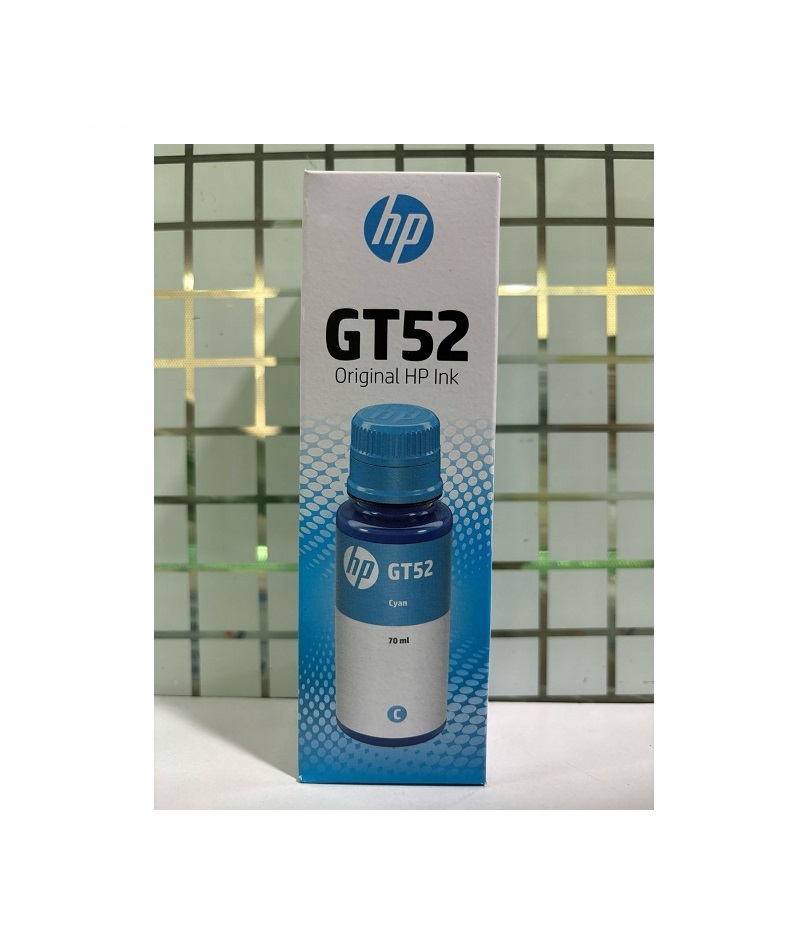
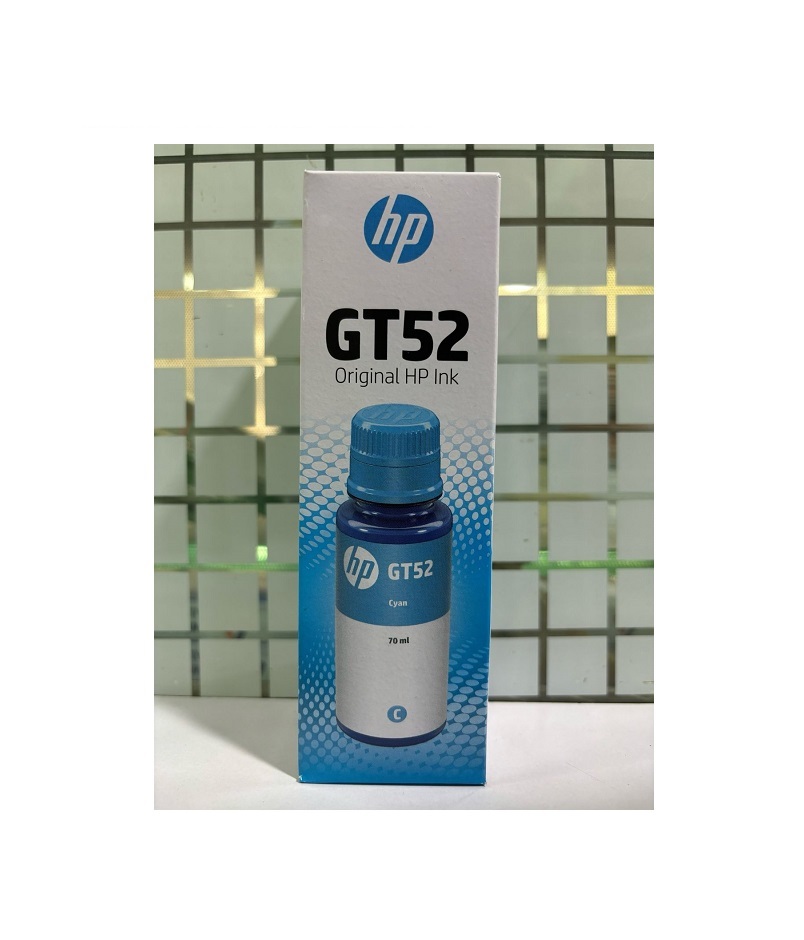
About HP GT52 Cyan ink Bottle
Brand: HP
Model no.: GT52
Generic Name: Ink Bottle
Product: New
Colour: Cyan
PRODUCT TYPE : INK BOTTLE
Compatible with Printers-GT 5810 ,GT 5820,GT 5811,GT 5821,WL 415, WL 418,HP Ink Tank 315,318,WL 419, 319 , WL 410, 310
Proven reliability
Make the most of every memory when you use Original HP Ink cartridges for your photos as every print is developed with quality in mind

Better affordability
Relive great experiences from fade-resistent prints that last a lifetime when using Original HP Ink.

Superior quality
Capture more moments with greater page yield and cost efficiencies when you print with Original HP Ink XL cartridges.

Print responsibly
Keep cartridges out of landfill by using HP's free recycling service with Cartridges 4 Planet Ark collection bins in most Retail stores.
Excellent Print Quality Every TimeThe HP GT52 Cyan Ink Bottle delivers clear, crisp, and vibrant cyan hues to enhance your printing projects. Engineered for compatibility with many popular HP Ink Tank printers, this ink guarantees that your presentations, photos, and documents stand out with professional quality.
Easy Application and StorageFilling your compatible HP printer with the GT52 ink bottle is straightforward and mess-free. For long-term reliability, simply store the bottle in a dry place. This ensures the ink maintains its top quality and longevity, preserving your printing investments.
FAQ's of HP GT52 Cyan ink Bottle:
Q: How do I properly store the HP GT52 Cyan Ink Bottle?
A: To maintain optimal ink quality, always store the HP GT52 Cyan Ink Bottle in a cool, dry place away from direct sunlight and heat sources.
Q: What printers are compatible with the HP GT52 Cyan Ink Bottle?
A: This ink bottle is specifically designed for use in HP Ink Tank printers, including GT 5810, GT 5820, GT 5811, GT 5821, WL 415, WL 418, HP Ink Tank 315, 318, WL 419, 319, WL 410, and 310 models.
Q: When is it recommended to replace or refill the ink using the GT52 Cyan Ink Bottle?
A: You should replace or refill the cyan ink when your printer indicates a low ink level or when print quality begins to diminish, ensuring uninterrupted high-quality results.
Q: Where can I purchase the HP GT52 Cyan Ink Bottle in India?
A: The HP GT52 Cyan Ink Bottle is readily available through authorized suppliers and traders across India, both online and in retail stores.
Q: What is the process for refilling my printer with the HP GT52 Cyan Ink Bottle?
A: To refill, open your printer's ink tank cover, remove the cap from the GT52 bottle, and carefully pour the ink into the cyan tank until it reaches the fill line. Always follow your printer's specific refilling instructions.
Q: What benefits do I get from using the HP GT52 Cyan Ink Bottle?
A: You benefit from consistently high-quality prints, cost-effective refilling, and compatibility with multiple HP printers, all while ensuring your printer's longevity by using genuine HP supplies.
 Send Inquiry




 Send Inquiry