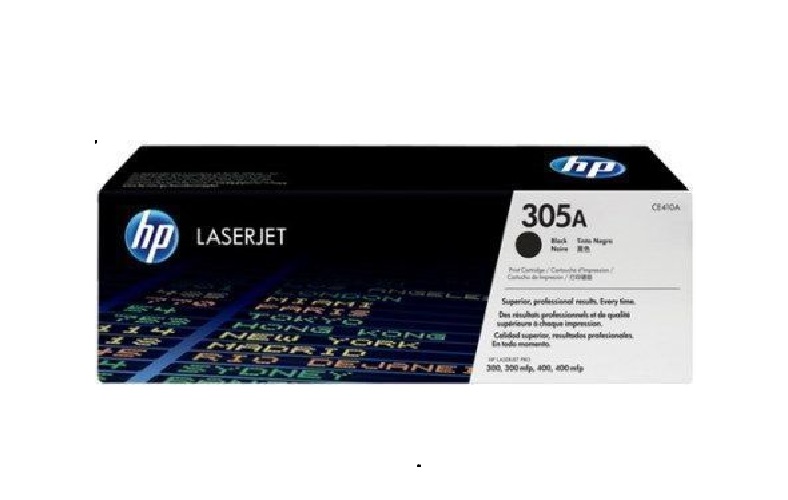
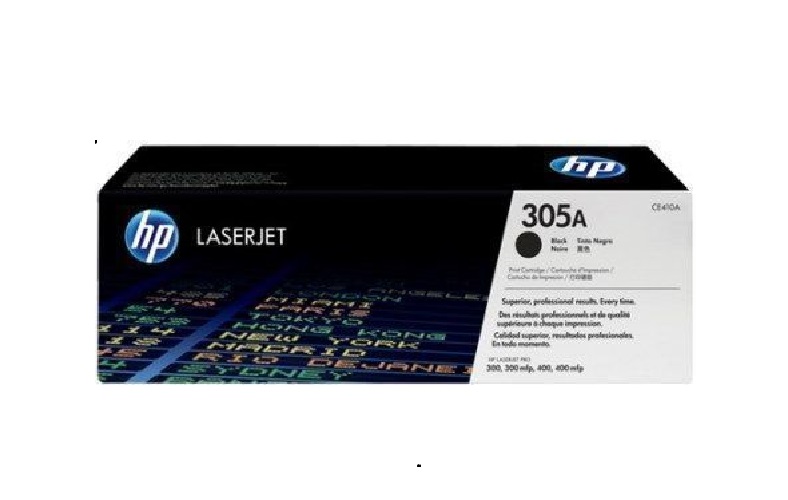
About HP CE410A 305A BLACK Toner Cartridge
Brand: HP
Model no.: 305A
Part no.: CE410A
Product: New
Colour: Black
PRODUCT TYPE : TONER CARTRIDGE
Capacity: Standard
For use with:
| HP All-in-One Printers |
Color LaserJet Pro 300 M375 MFP, Color LaserJet Pro 300 M375nw MFP, Color LaserJet Pro 400 M475 MFP, Color LaserJet Pro 400 M475dn MFP, Color LaserJet Pro 400 M475dw MFP |
| HP Laser Printers |
Color LaserJet Pro 300 M351, Color LaserJet Pro 300 M351a, Color LaserJet Pro 400 M451, Color LaserJet Pro 400 M451dn, Color LaserJet Pro 400 M451dw, Color LaserJet Pro 400 M451nw |
Compatibility and UsageThe HP CE410A 305A BLACK Toner Cartridge is specifically engineered to function with HP LaserJet Pro 300 series models M375 MFP and M375nw MFP as well as Pro 400 M475, M475dn, and M475dw MFP models. It offers hassle-free installation and is perfect for both office and personal environments that demand sharp, professional print quality.
Supplier and AvailabilityThis toner cartridge is readily available through authorized suppliers and traders across India. Customers can source the product from reputable vendors known for quality and support, ensuring authenticity and peace of mind for all buyers.
Benefits of Using HP 305A Black TonerUsing the HP CE410A 305A BLACK Toner ensures high yield, consistent black text and graphics, and reliable operation without frequent maintenance or smudges. Its precise compatibility reduces printer wear, making each print task more economical and efficient.
FAQ's of HP CE410A 305A BLACK Toner Cartridge:
Q: How do I install the HP CE410A 305A BLACK Toner Cartridge in my printer?
A: To install the HP CE410A 305A BLACK Toner Cartridge, open your printer's toner access panel, remove the old cartridge, and carefully insert the new cartridge by aligning it with the designated slot. Close the panel and run a test print to ensure successful installation.
Q: What printer models are compatible with the HP 305A black toner?
A: This toner cartridge is compatible with HP LaserJet Pro 300 M375 MFP, Pro 300 M375nw MFP, Pro 400 M475 MFP, Pro 400 M475dn MFP, and Pro 400 M475dw models. Please check your printer model before purchasing to ensure a correct fit.
Q: Where can I purchase the HP CE410A 305A toner cartridge in India?
A: You can buy this toner from authorized suppliers and traders throughout India. Look for reputable outlets or online platforms that specialise in HP-compatible printing supplies.
Q: What is the process for replacing the old toner cartridge with a new one?
A: First, power off the printer and let it cool down. Open the toner compartment, carefully remove the depleted cartridge, then unpack the new HP 305A toner. Shake it gently to distribute the toner, insert it into the appropriate slot, and close the compartment before turning the printer back on.
Q: When should I replace the HP 305A black toner cartridge?
A: Replace the cartridge when your printer signals low toner or when you observe faded, streaky, or inconsistent printouts. Prompt replacement prevents print quality issues and ensures uninterrupted workflow.
Q: What benefits does the HP CE410A 305A black toner cartridge offer for users?
A: This toner cartridge delivers sharp text, bold graphics, and reliable performance. It reduces overall printing costs, minimizes printer downtime, and maximizes productivity by offering a steady output without frequent replacements.
Q: How should I store unused HP 305A toner cartridges?
A: Store the cartridges in their original packaging, away from direct sunlight and extreme temperatures. Keep them in a dry location to preserve toner quality and ensure optimal performance when installed.
 Send Inquiry





 Send Inquiry