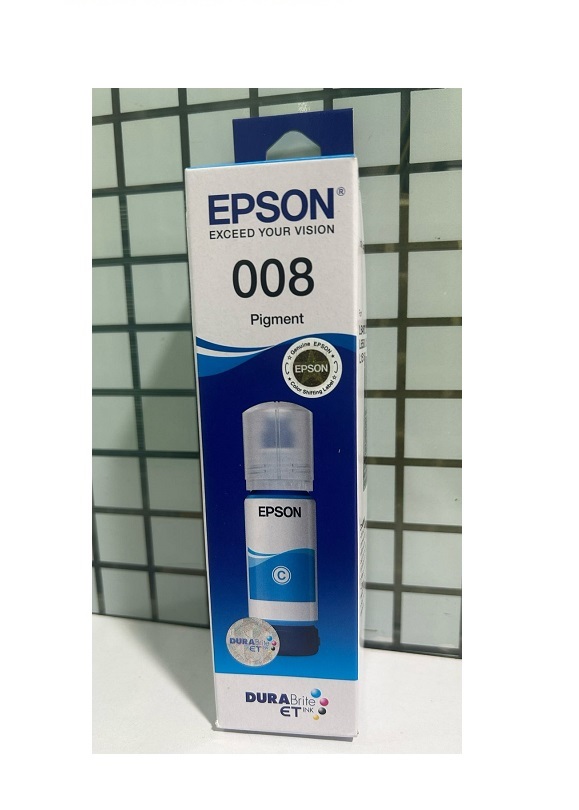
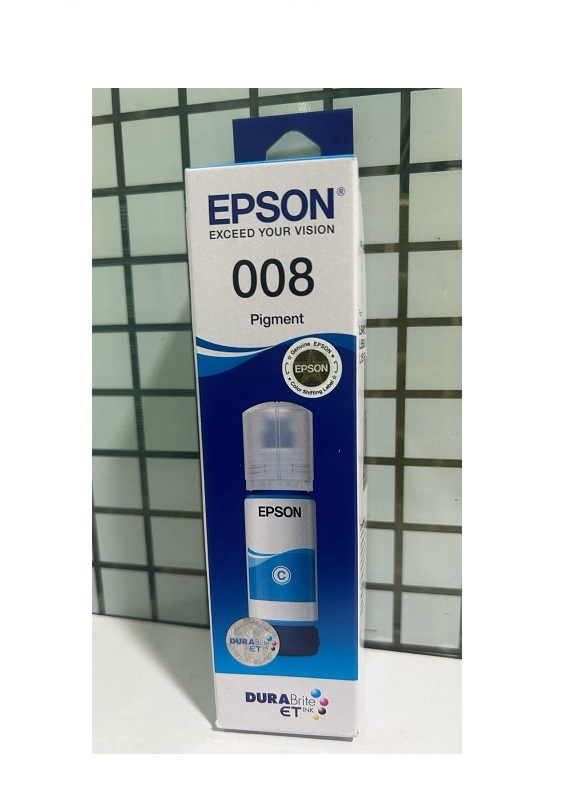
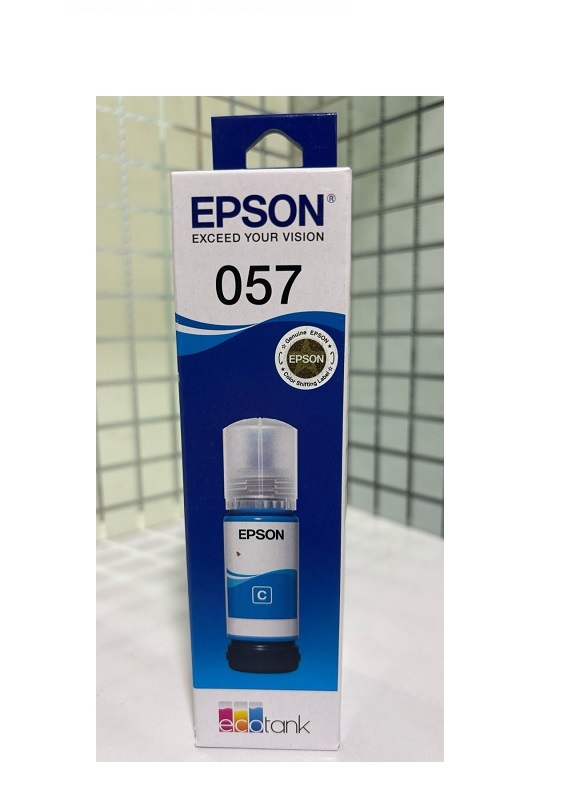
About Epson 008 Cyan Ink Bottle, 70ml
Brand: Epson
Model no.: 008
Generic Name: Ink Bottle
Part no.: C13T06G298
Product: New
Colour: Cyan
PRODUCT TYPE : INK BOTTLE
For Use Epson Printer L6460, L6490, L15180, L6570, L6580, L15150, L15160
Printer compatibility: Epson L15150, L15160 ink tank system printers
High-Quality Cyan InkEpson 008 Cyan Ink guarantees sharp and vibrant prints, elevating the visual appeal of your documents and images. Its consistent coloring and smudge-resistant properties ensure that every print retains its high quality, fulfilling both everyday and professional needs.
Compatible Printer ModelsThis ink bottle is specifically designed for use with Epson L6460, L6490, L15180, L6570, L6580, L15150, and L15160 ink tank system printers. The compatibility ensures seamless operation, reducing the risk of printing errors or ink leakage.
Proper Storage InstructionsTo maintain ink quality and performance, store the Epson 008 Cyan Ink Bottle in a dry place, away from direct sunlight or extreme temperatures. Adhering to these storage guidelines helps prevent ink degradation and prolongs shelf life.
FAQ's of Epson 008 Cyan Ink Bottle, 70ml:
Q: How do I properly use the Epson 008 Cyan Ink Bottle in my printer?
A: Simply open your printer's ink tank compartment and carefully pour the cyan ink into the designated tank. Follow your printer manual's instructions for best results and avoid overfilling.
Q: What printers are compatible with the Epson 008 Cyan Ink Bottle?
A: This ink bottle is compatible with Epson L6460, L6490, L15180, L6570, L6580, L15150, and L15160 ink tank system printers.
Q: When should I replace the cyan ink in my Epson printer?
A: Replace the cyan ink bottle when your printer notifies you of low ink levels or when prints begin to lose their intended vibrancy and clarity.
Q: Where should I store the Epson 008 Cyan Ink Bottle?
A: Store the bottle in a dry place, away from direct sunlight and heat, to ensure the ink maintains its quality over time.
Q: What is the process for refilling the cyan ink in my Epson printer?
A: Turn off your printer, open the ink tank cover, and carefully pour the ink from the Epson 008 Cyan Ink Bottle into the cyan tank until it reaches the recommended fill line. Close the compartment securely after filling.
Q: What are the main benefits of using the Epson 008 Cyan Ink Bottle?
A: It delivers high-quality, vibrant cyan prints, is easy to use, and is specifically designed for seamless compatibility with supported Epson ink tank printers.