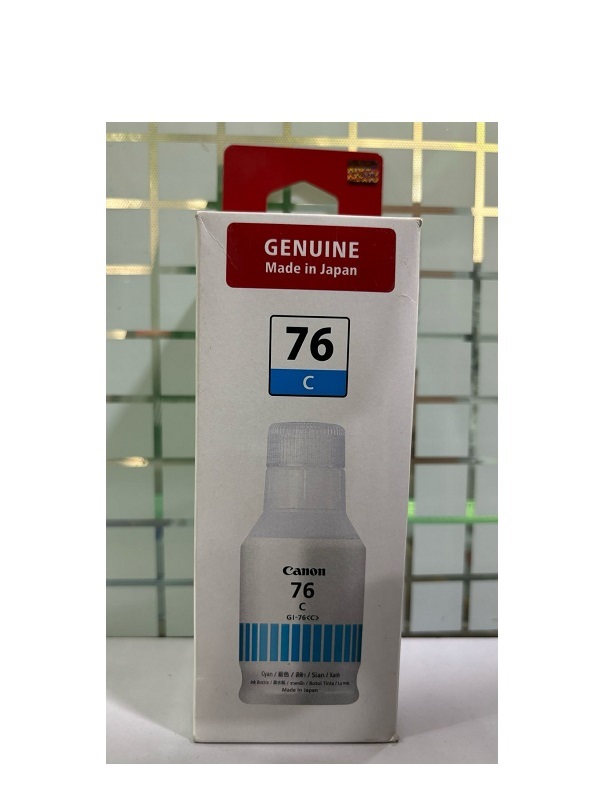
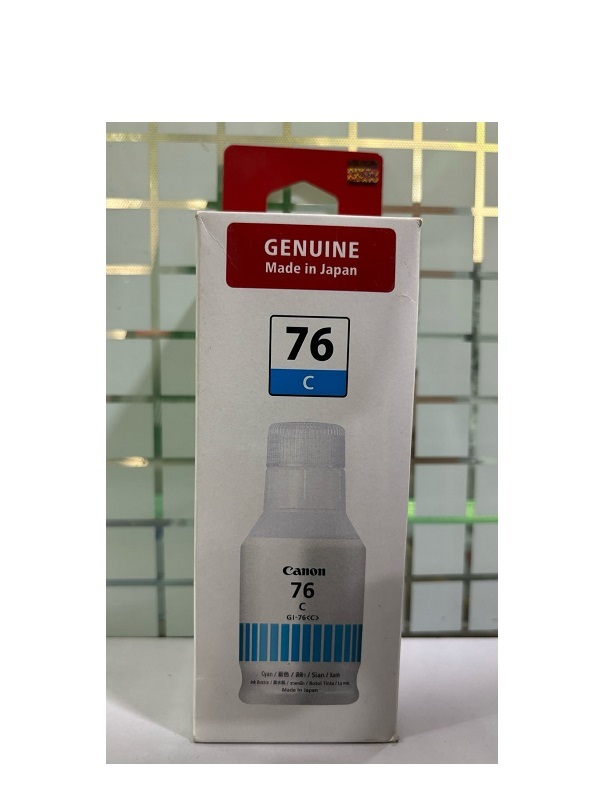
About Canon GI-76 Cyan Ink Bottle
Brand: Canon
Model no.: GI-76
Generic Name: Ink Bottle
Product: New
Colour: Cyan
PRODUCT TYPE : INK BOTTLE
Canon GI-76 135ML Cyan Genuine Ink Bottle
- Original Ink Gives Stable printing capacity/smart and fluent printing performance
- Saves ink and reduces damage to the printer head with Original Ink Bottles
- Package Contain 1 Ink Bottles
- Inks Compatible With : Canon Pixma GX7070 GX6070 Printers
For Use With:
- Canon PIXMA GX7070 Printer
- Canon PIXMA GX6070 Printer
Reliable Cyan Ink for Exceptional PrintsDesigned for compatibility with Canon GX7070 and GX6070 printers, the Canon GI-76 Cyan Ink Bottle delivers reliable, high-quality results. Its vibrant pigment ensures every document and photo has sharp, clear colors. This makes it suitable for both home and office environments where quality matters.
Proper Storage for LongevityTo maintain the ink's effectiveness and prevent clumping or drying out, always store the Canon GI-76 Cyan Ink Bottle in a dry place. Proper storage not only extends the shelf life but also preserves the ink's quality, ensuring optimal performance whenever you print.
FAQ's of Canon GI-76 Cyan Ink Bottle:
Q: How should I store the Canon GI-76 Cyan Ink Bottle for best results?
A: It is recommended to store the Canon GI-76 Cyan Ink Bottle in a dry place, away from direct sunlight and excessive humidity, to maintain its quality and prevent the ink from drying out.
Q: What are the main benefits of using the Canon GI-76 Cyan Ink Bottle?
A: The Canon GI-76 Cyan Ink Bottle provides good quality, vibrant cyan prints and is compatible with Canon GX7070 and GX6070 printers, making it ideal for high-quality documents and images.
Q: When should I replace the cyan ink in my Canon GX7070 or GX6070 printer?
A: You should replace the cyan ink when your printer's indicator shows low ink levels or when you notice a decline in print quality, such as faded or streaky cyan colors.
Q: Where can I use the GI-76 Cyan Ink Bottle?
A: This ink bottle is specifically designed for use with Canon GX7070 and GX6070 printers, making it suitable for both home offices and business environments in India.
Q: What is the process for using the Canon GI-76 Cyan Ink Bottle?
A: Simply open your Canon GX7070 or GX6070 printer's ink tank, carefully pour in the cyan ink from the GI-76 bottle, and securely close the tank to resume printing.
Q: How does the quality of the GI-76 Cyan Ink Bottle benefit my printing needs?
A: The ink's good quality ensures consistently vibrant and sharp images or text, making it perfect for producing professional-looking documents and photos.
 Send Inquiry




 Send Inquiry