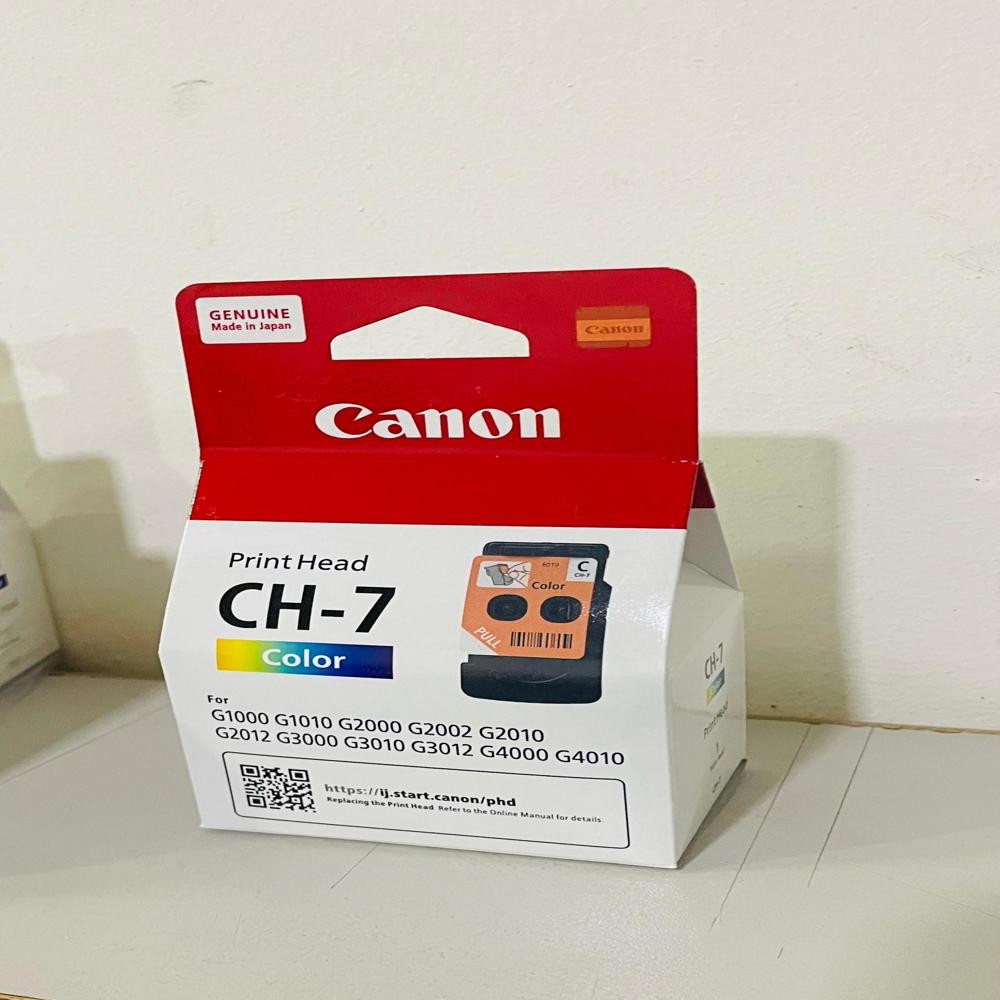
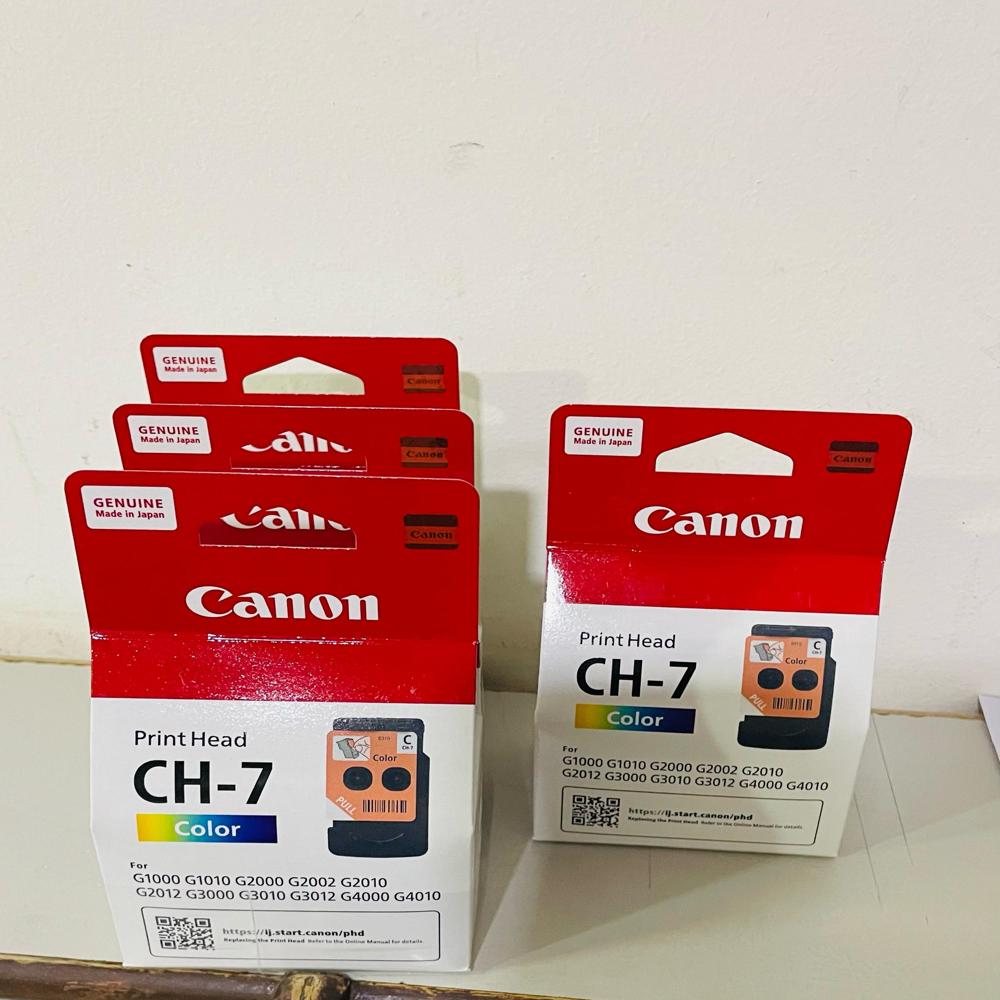
About Canon CH-7 Tri-Color Printhead
Brand: Canon
Model no.: CH-7
Generic Name: Printhead
Product: New
Colour: Tri-Color
Canon InkTank Printer - G1000, G1010, G2000, G2002, G2010, G2012, G3000, G3010, G3012, G4000, G4010 Printers
Genuine Compatibility for Multiple ModelsThe Canon CH-7 Tri-Color Printhead is purposely built to fit a wide array of Canon InkTank printers, giving users confidence in every installation. Its precision engineering ensures exceptional compatibility with models like G1000, G2000, up to G4010. This flexibility is key for offices and homes with diverse Canon InkTank devices, guaranteeing dependable, high-quality color prints every time.
Easy Installation and Reliable PerformanceReplacing your printhead with the Canon CH-7 is a straightforward process, designed for hassle-free setup even by non-technical users. Once installed, it delivers crisp images and vibrant colors, prolonging the life of your printer. Regular use of this genuine printhead supports uninterrupted workflows and reduces maintenance concerns, making it a smart choice for busy environments.
FAQ's of Canon CH-7 Tri-Color Printhead:
Q: How do I replace the Canon CH-7 Tri-Color Printhead in my InkTank printer?
A: To replace the Canon CH-7 printhead, first switch off your printer and lift the access cover. Wait for the print carriage to stop, then carefully unlock and remove the old printhead. Insert the new CH-7 printhead in the designated slot, secure it, and close the cover. Power on your printer and perform a test print to ensure proper installation.
Q: What printer models are compatible with the Canon CH-7 Tri-Color Printhead?
A: The CH-7 Tri-Color Printhead is compatible with Canon InkTank printers including models G1000, G1010, G2000, G2002, G2010, G2012, G3000, G3010, G3012, G4000, and G4010. Always verify your printer model before purchasing to ensure compatibility.
Q: When should I consider replacing my printhead with a new CH-7 unit?
A: Replace your printhead when you encounter issues such as faded colors, streaks, or repeated cleaning errors that are not resolved by routine maintenance. Regular replacement after extensive printing extends your printer's life and maintains optimal print quality.
Q: Where can I buy the genuine Canon CH-7 Tri-Color Printhead in India?
A: You can purchase the Canon CH-7 Tri-Color Printhead from certified suppliers and traders across India. Look for authorized Canon partners to guarantee you receive a genuine product offering full reliability and warranty support.
Q: What is the process of ensuring the CH-7 Tri-Color Printhead works correctly after installation?
A: After installing the CH-7 printhead, initiate your printer's automatic alignment and cleaning process. This helps calibrate the printhead for accurate color reproduction and removes any residual air bubbles, ensuring smooth and vibrant printing from the outset.
Q: What benefits does the Canon CH-7 Tri-Color Printhead offer for InkTank printer users?
A: The CH-7 printhead guarantees high-quality, consistent color output and efficient ink usage. Installing this genuine part reduces printing issues, decreases downtime, and supports professional-grade photo and document printing for both home and office use.
 Send Inquiry




 Send Inquiry