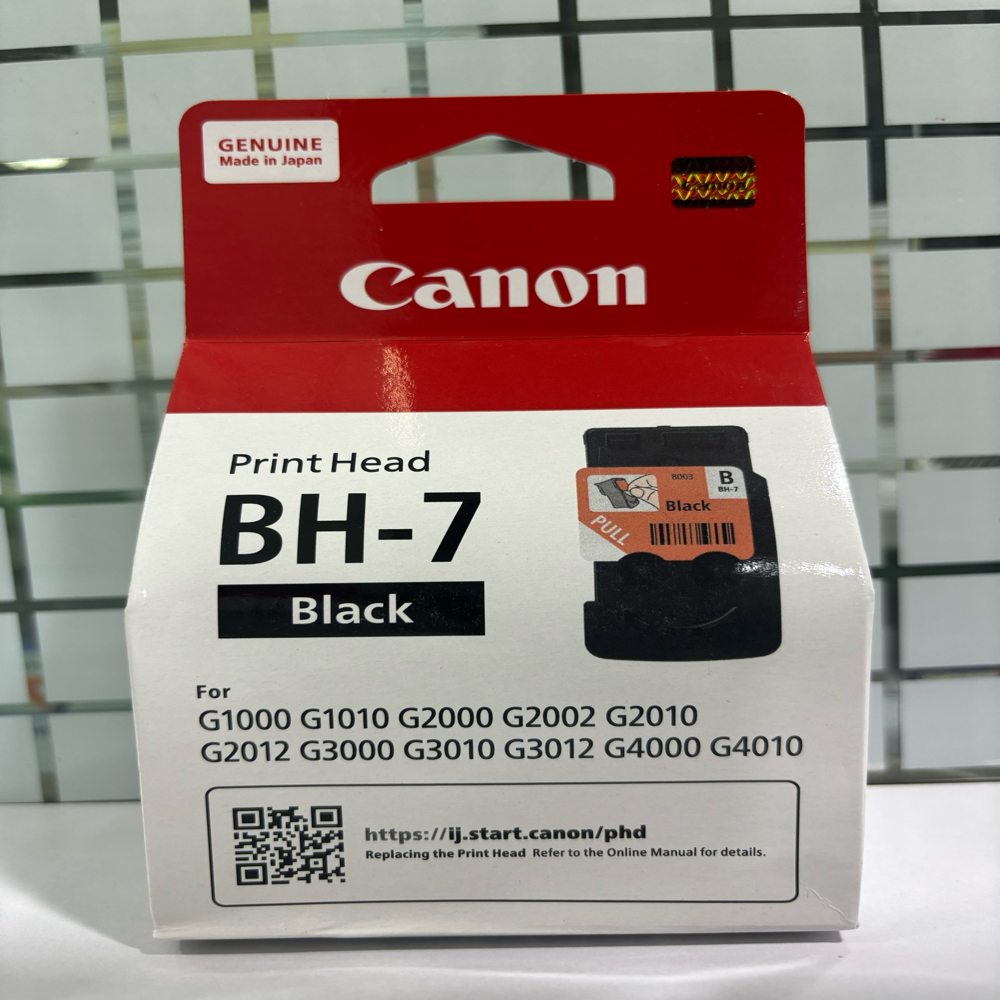
About Canon BH-7 Black Printhead
Brand: Canon
Model no.: BH-7
Generic Name: Printhead
Product: New
Colour: Black
Canon InkTank Printer - G1000, G1010, G2000, G2002, G2010, G2012, G3000, G3010, G3012, G4000, G4010 Printers
Reliable Printing SolutionsThe Canon BH-7 Black Printhead ensures dependable print quality for various Canon InkTank printer models. Its robust construction and precision design support high-volume printing needs without compromising output clarity. This product is especially suited for business and personal users who demand efficiency and consistent results from their printing equipment.
Compatible With Multiple ModelsCompatible with a wide range of Canon InkTank printers, the BH-7 printhead fits models such as G1000, G2000, G3000, and G4000 series. This versatility makes it a convenient replacement part, reducing the need to stock different printheads for multiple machines. Users can enjoy seamless installation and continued productivity across devices.
FAQ's of Canon BH-7 Black Printhead:
Q: How do I install the Canon BH-7 Black Printhead in my printer?
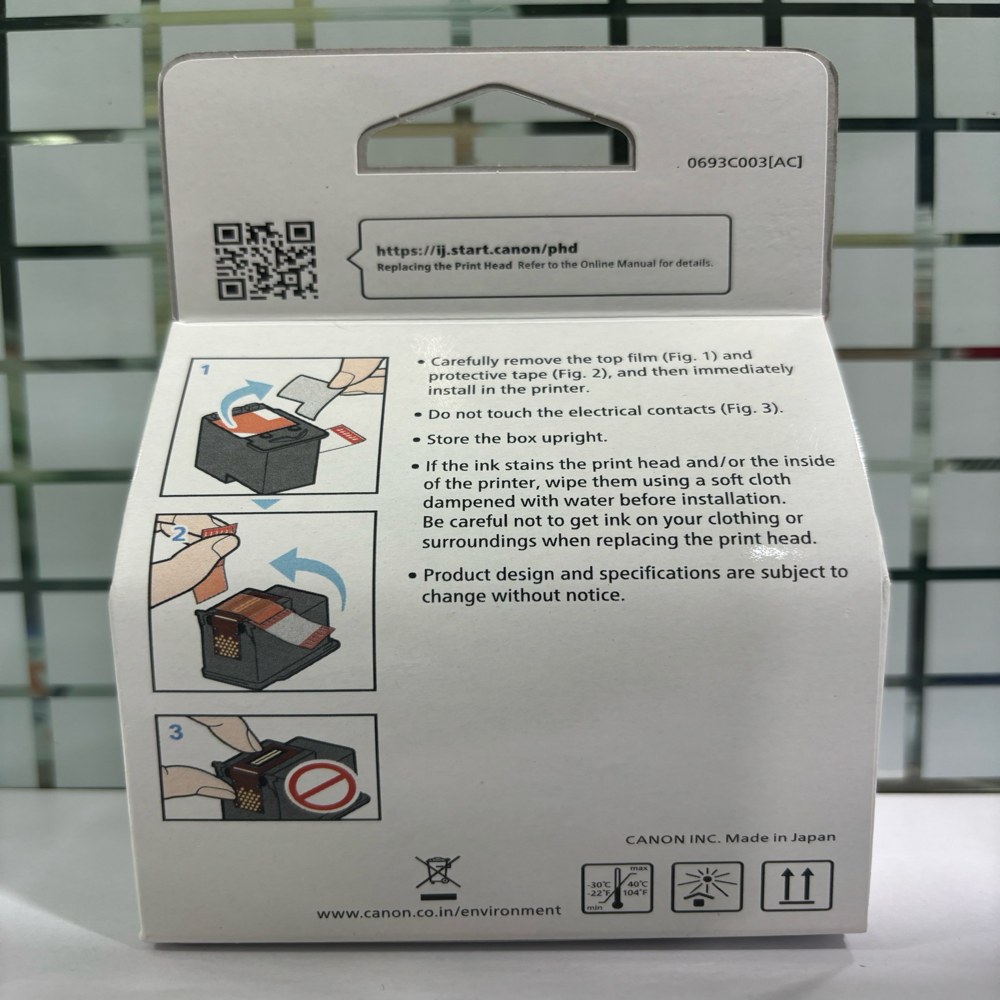
A: To install the BH-7 Black Printhead, first turn off your compatible Canon InkTank printer and unplug it. Open the printer cover, remove the old printhead if present, and carefully insert the new BH-7 printhead into the designated slot. Ensure it clicks securely, close the cover, and turn on your printer for alignment.
Q: What Canon printer models are compatible with the BH-7 Black Printhead?
A: The Canon BH-7 Black Printhead is designed for use in Canon InkTank Printers including G1000, G1010, G2000, G2002, G2010, G2012, G3000, G3010, G3012, G4000, and G4010 models.
Q: When should I replace my current printhead with the BH-7?
A: It is recommended to replace your printhead when you notice significant declines in print quality, such as fading, streaks, or missing lines, or if your printer issues an error message specific to the printhead.
Q: Where can I source the Canon BH-7 Black Printhead in India?
A: You can obtain the BH-7 Black Printhead from authorized Canon suppliers, traders, and online marketplaces across India. Ensure you purchase from reputable sources to receive authentic and warrantied products.
Q: What is the process for maintaining the BH-7 Black Printhead?
A: Regularly perform the printer's cleaning and nozzle check functions as advised in the user manual. Use genuine Canon inks and handle the printhead carefully during maintenance to extend its lifespan.
Q: How does using the BH-7 Printhead benefit my Canon InkTank printer?
A: The BH-7 Black Printhead ensures high-quality, sharp black text and images, increases printer longevity, and supports uninterrupted workflow. Its compatibility with multiple printer models also streamlines maintenance and inventory.
Q: What should I do if my printer displays an error after installing the BH-7 Black Printhead?
A: If an error appears, recheck that the printhead is installed correctly and the contacts are clean. Restart your printer, and if the issue persists, refer to the manual or contact Canon customer support for further guidance.
 Send Inquiry




 Send Inquiry